
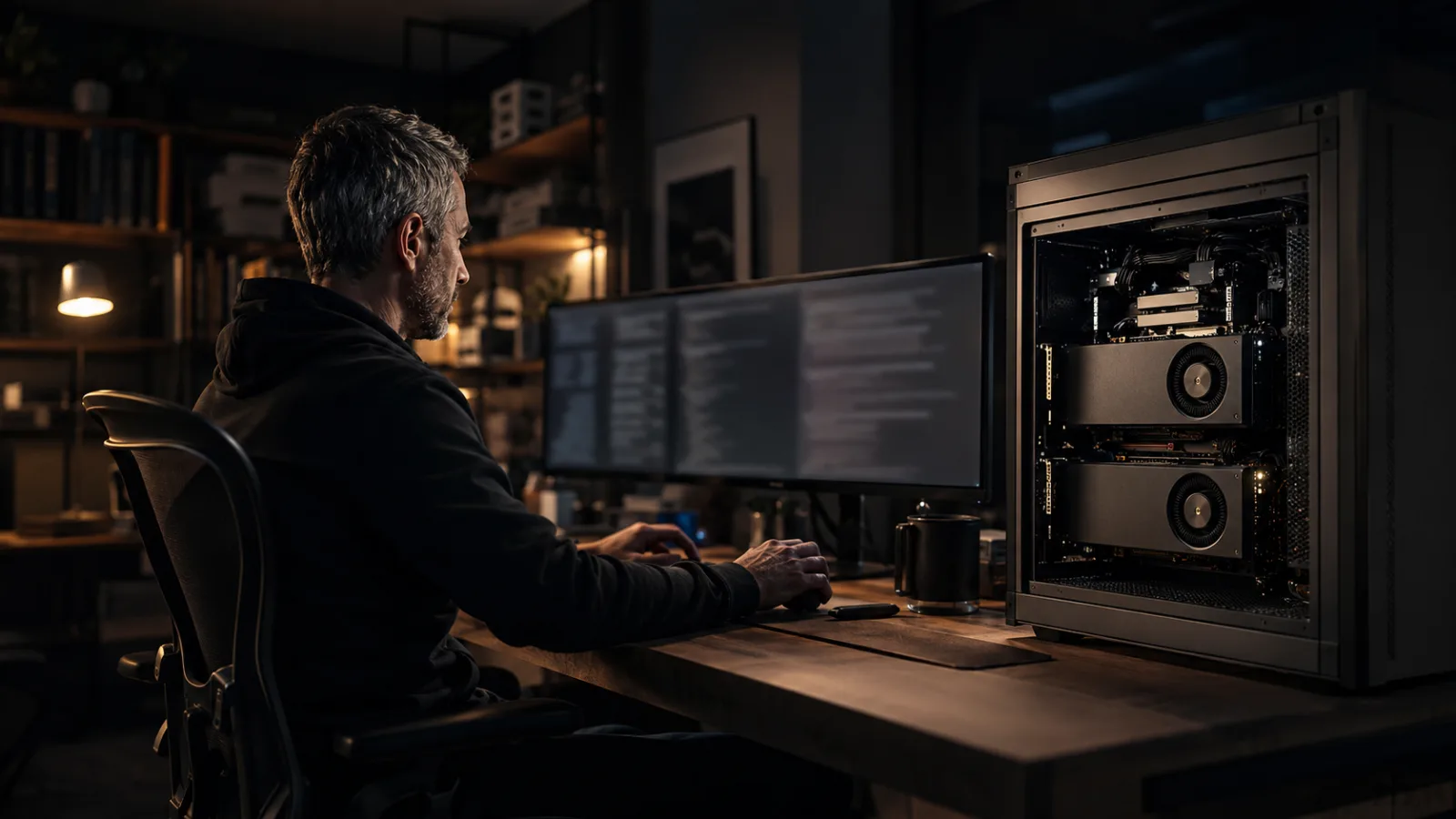
My principle
Operational headroom matters more than merely fitting the model.
A useful local agent needs memory for the model, context, tools, retries, and verification—not just enough capacity to answer one prompt.
For local AI, the most important question is no longer, “Can I load the model?” It is, “Can I trust the entire workflow to keep running after the agent reads the repository, uses tools, edits code, runs tests, makes a mistake, and tries again?”
That distinction is why 48 GB of video memory has become such a meaningful threshold for local coding agents.
VRAM—video random-access memory—is the fast memory located beside the GPU. This is like the workbench beside an engineer: the larger the bench, the more tools, drawings, and active parts can remain within reach without repeatedly walking back to storage.
A chatbot may answer one question and stop. A coding agent must carry a growing body of work. It reads instructions, searches files, studies dependencies, writes changes, receives terminal output, interprets test failures, revises its plan, and tries again. Every step adds pressure to memory.
This is where 48 GB changes the experience. It does not make local AI unlimited. It creates enough headroom for many strong models and real agent workflows to operate with less fragility.
Model size is only the first memory bill
It is easy to think of VRAM as a container for model weights. If the model fits, the system should work. In practice, fitting the weights is only the entrance fee.
The runtime also needs space for the context, temporary calculations, tool definitions, and the growing record of the session. A local coding agent may need to retain repository instructions, multiple files, search results, code differences, terminal messages, and test output at the same time.
The KV cache—short for key-value cache—stores information the model has already processed so it does not need to recalculate the entire conversation for every new token. This is like keeping open books and marked pages on the desk while solving a problem. As the session grows, those books occupy more space.
Ollama’s context documentation makes the relationship explicit: larger context lengths require more memory. Its current defaults rise from 4,000 tokens below 24 GiB of VRAM to 32,000 tokens from 24–48 GiB and 256,000 tokens at 48 GiB or more. Ollama also recommends at least 64,000 tokens for agents and coding tools.
The exact requirement varies by model and runtime, but the engineering lesson is stable: agentic work consumes memory dynamically. A successful short prompt does not prove that a long coding session will survive.
Why 48 GB feels different
At 24 GB, a well-selected and efficiently compressed model can perform valuable coding tasks. I do not see 48 GB as the point where local AI suddenly becomes intelligent. I see it as the point where the operating margin becomes much more useful.
With 48 GB, a local system can often support a stronger model, a higher-quality quantization, a larger context, or additional services without immediately reaching a hard memory boundary. The owner gains choices.
That headroom can support:
- A capable coding model with a practical repository context.
- A longer correction loop across edits and tests.
- An embedding or reranking service alongside the main model.
- A draft model for speculative decoding in supported runtimes.
- A vision component when screenshots or diagrams are part of the task.
- More room for temporary runtime allocations and operating variation.
The value is not that every item will run simultaneously in every configuration. The value is that the system designer can create a balanced workflow instead of spending all available memory merely starting the model.
Quantization turns capacity into choices
Quantization reduces the precision used to store model weights. This is like compressing a detailed engineering drawing so it occupies less space while trying to preserve the information that matters.
The llama.cpp project supports multiple integer quantization levels from very compact formats through 8-bit representations. It also supports CUDA, Metal, Vulkan, and other backends, plus CPU–GPU hybrid inference for models larger than available VRAM.
But smaller is not automatically better.
An aggressive quantization may create room for more context or a larger model, yet it can also change behavior. In coding, some errors can be caught by compilation, tests, or static analysis. The workflow has an external correction signal. That makes some tradeoffs easier to tolerate.
Other tasks have no automatic truth check. A weak summary can sound convincing while silently omitting the most important fact. For those workflows, I would rather protect model quality, use stronger validation, or keep a cloud fallback than chase the highest token speed.
The right quantization is not a universal number. It is a decision based on the consequence of being wrong and the ability of the workflow to detect the error.
Two 24 GB GPUs require thoughtful engineering
Forty-eight gigabytes may come from one professional GPU or two 24 GB cards. Those systems are not always equivalent.
A single 48 GB GPU gives one processor direct access to its full memory. Two GPUs can divide model layers or tensors, but the runtime must coordinate work across the cards. Interconnect speed, motherboard layout, backend support, power, cooling, and model architecture can all affect the result.
llama.cpp supports CUDA and multi-GPU operation, while its server can also expose an OpenAI-compatible local endpoint. That common API shape is important because it separates the developer experience from the model location. An agent tool can point to a local service today and another approved endpoint tomorrow without rebuilding the entire workflow.
I would never choose a dual-GPU system by adding the two memory numbers alone. I would validate the exact model, quantization, context, GPU split, prompt processing speed, token generation speed, and sustained thermal behavior together.
The system is the product—not the specification sheet.

Forty-eight gigabytes is useful only when power, cooling, runtime behavior, and the agent workload are engineered together.
A coding agent is an engineering loop
The real value of a local coding agent appears when it can complete a disciplined loop:
- Understand the request and repository rules.
- Locate the relevant code.
- Form a bounded plan.
- Make the smallest useful change.
- Run the correct tests.
- Read the failure honestly.
- Revise without damaging unrelated behavior.
- Present the result for human review.
This loop is more demanding than chat because the agent must interact with a changing environment. The repository changes after each edit. Tool output becomes new context. Failed commands create additional information. Long sessions may require compaction or summarization.
That is why I measure more than tokens per second.
I want to know whether the agent follows repository instructions, selects the right files, creates clean diffs, uses tools correctly, recovers from failure, and completes the task without constant intervention. I also want to know whether the server remains stable after hours of use rather than minutes of benchmarking.
An impressive benchmark is useful evidence. A reliable engineering loop is customer value.

The goal is not autonomous activity. It is a repeatable loop that produces evidence a human can review.
Local AI changes control, not responsibility
Running an agent locally can keep source code, prompts, and intermediate tool output inside the user’s environment. It can reduce dependence on network availability and recurring per-token charges. It can also provide greater freedom to choose models, runtimes, and retention policies.
But local does not automatically mean secure.
The agent may still execute commands, modify files, read secrets, or install dependencies. Model downloads and plugins still require trust. A local endpoint can still be exposed accidentally. The workflow needs sandboxing, scoped permissions, source control, backups, review, and clear boundaries around destructive actions.
Privacy is created through system design, not geography alone.
The best 48 GB system is the one built around the workload
I would begin with the work, not the GPU.
For repository coding, I would measure the size of typical files, the amount of context the agent genuinely uses, and the tools it must call. I would select a model that follows instructions and produces structured tool calls reliably. Then I would reserve enough VRAM for context and runtime headroom instead of allocating every gigabyte to weights.
For speed-sensitive interactive work, a throughput-focused serving engine may be appropriate. For broad hardware compatibility, GGUF convenience, and flexible hybrid inference, llama.cpp may be a better fit. For a simple desktop experience, Ollama can make context configuration and model serving more accessible.
There is no single best local stack. There is only a stack that is well matched—or poorly matched—to its intended experience.
From hardware ownership to experience ownership
The deeper value of local AI is not owning a large model file. It is owning more of the experience: latency, privacy, availability, model choice, data flow, and workflow design.
Forty-eight gigabytes of VRAM is meaningful because it creates enough room to engineer those choices with fewer compromises. It moves the conversation from “Can the model answer?” toward “Can the agent complete useful work reliably?”
That is the transition from a technical demonstration to dependable infrastructure.
The GPU provides the capacity. The model provides capability. The runtime manages the resources. The agent orchestrates the work. Tests provide evidence. Human judgment remains accountable for the outcome.
When all of those parts are engineered together, local AI becomes more than an interesting machine on a desk. It becomes a private, practical, and repeatable development experience.
What I keep
- Treat model weights as only the first VRAM requirement.
- Reserve headroom for context, tools, retries, and runtime behavior.
- Choose quantization based on risk and available verification.
- Validate dual-GPU systems as complete workflows, not added memory numbers.
- Measure agent reliability, not only model speed.
- Keep local agents sandboxed, reviewable, and under human control.
- Design the stack around the work the customer needs to complete.